Most cybersecurity training is aimed at staff, teaching people to recognise phishing emails and report them quickly. That’s worthwhile, but it leaves out the people outside your office. If you’re an insurance broker, your clients are often the easiest target for impersonation fraud.
Take a client whose policy is coming up for renewal. They’re expecting an email from you with the new policy schedule and a record of advice to sign. An email arrives that appears to come from you, asking them to sign the record of advice through a link. There’s very little to make them stop and question it. The link opens a convincing form asking them to confirm a few personal details. They enter their ID number, contact details and banking information, and the fraudster now has enough to impersonate them elsewhere.
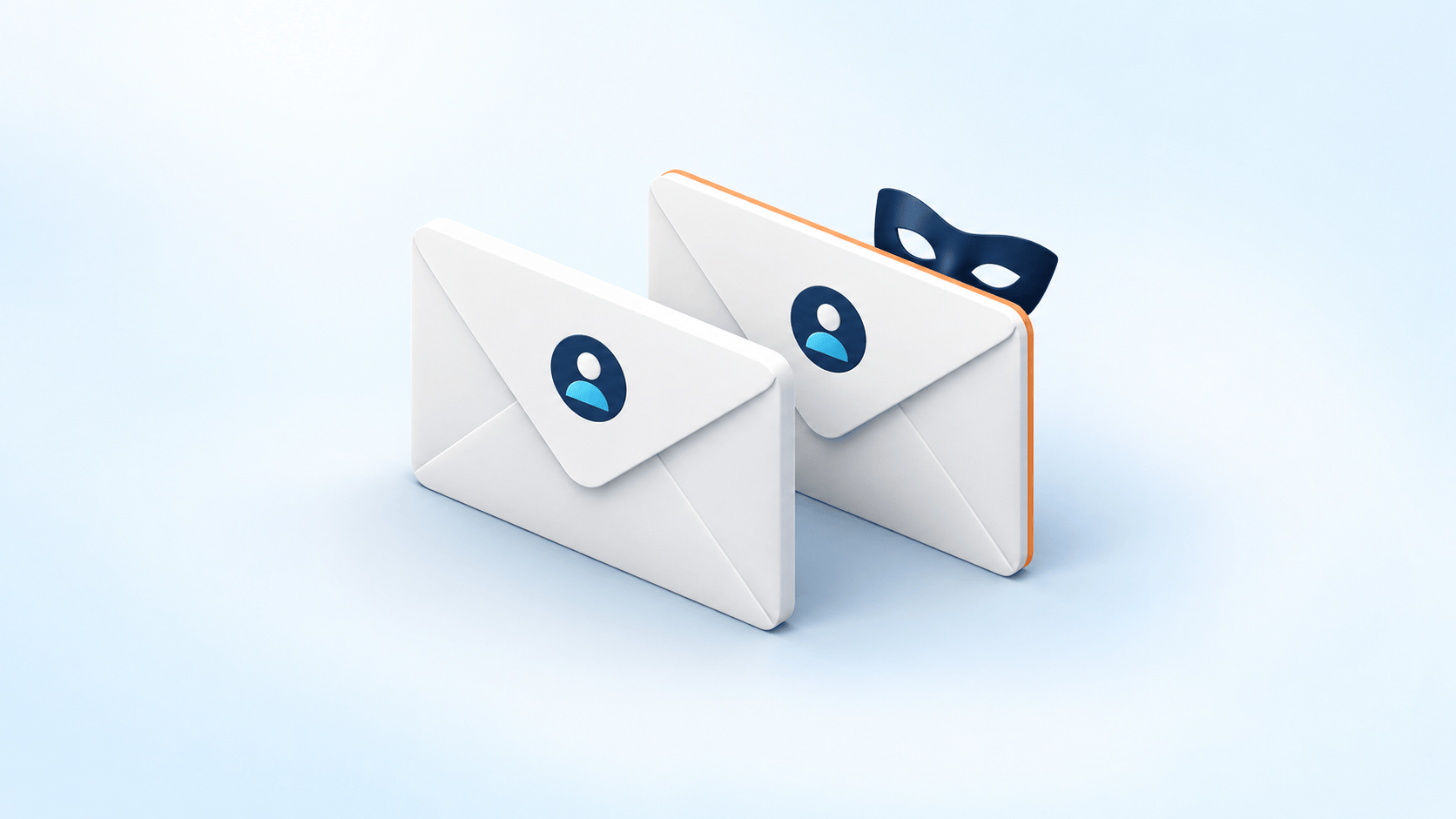
Email Impersonation works because it often happens exactly when the client expects to hear from you. You may have trained your staff well, but that training doesn’t help a client reading their emails at home.
Why clients are at risk of impersonation fraud
A fraudster doesn’t need to break into anything to pull this off. They need an email that looks right and arrives when the client is expecting one. We’ve written before about how business email compromise looks like normal work inside an organisation. Clients see the same tactics with far less to protect them.
South African insurers have already seen this kind of impersonation impersonation. Momentum Insure has warned that criminals are impersonating policyholders and brokers to get copies of clients’ policy schedules and claims histories.
Your staff know your processes and can check with a colleague if something feels off. But a client generally hears from you once or twice a year, so they don’t have a strong sense of what a normal email from you looks like.
Why a familiar address can still be fake
Most people decide whether an email is genuine by looking at the sender’s name and address, but neither is as reliable as it looks.
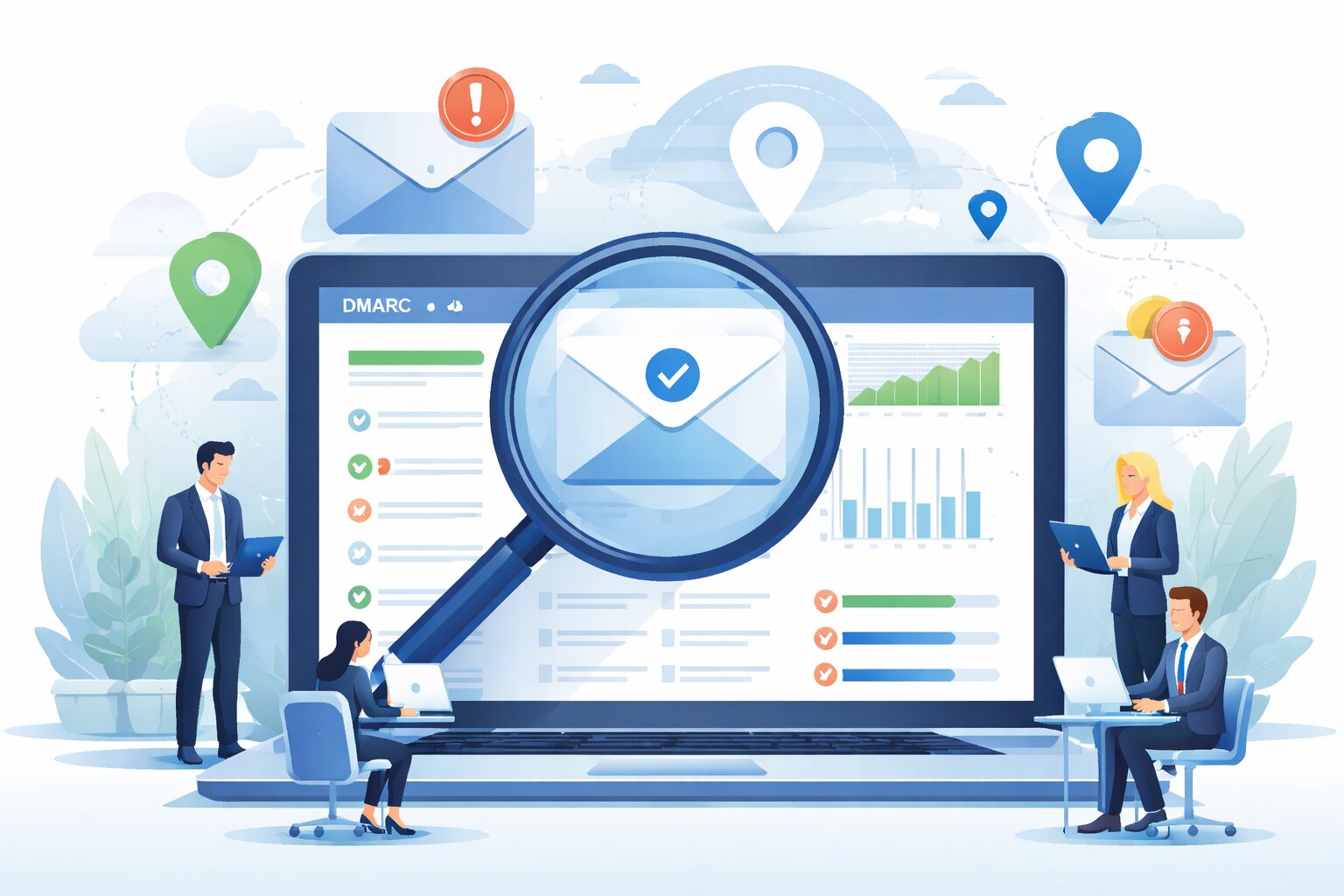
If your domain isn’t protected by DMARC at enforcement, a criminal may be able to send an email that shows your exact address, and your client would have no way of telling it apart from the real thing. Our article on DMARC p=none explains why a DMARC record that only monitors doesn’t prevent this.
DMARC enforcement stops criminals using your exact address, but they have other options. They can register a domain that looks almost identical to yours, such as yourbrokerage.co instead of yourbrokerage.co.za, or one with a single letter changed, and most people reading on a phone won’t notice. They can also break into a real mailbox and send from it. Emails from a lookalike domain or a compromised mailbox can pass authentication checks, because the sender really does control the domain or account they’re using.
What to tell your clients
You don’t need to give clients a long security briefing. Most brokers only need to get three messages across and repeat them often enough that clients remember them.
How you’ll ask for information. Tell clients how you normally request documents and personal details, for example only through your client portal or only after you’ve spoken to them, so an unusual request stands out.
What you’ll never do. Say clearly that you’ll never ask for passwords or one-time PINs, and that you won’t change your banking details by email. If a client ever receives an email saying otherwise, it isn’t from you.
How to check. Ask clients to phone you on a number they already have, such as the one on your website or in their policy documents. They shouldn’t use a number given in the email itself, because it may belong to the fraudster.
Insurers are giving their clients similar advice. Sanlam, for example, has told clients to check email addresses carefully and never to share ID numbers, banking details or OTPs over the phone or on chat apps. That advice tends to carry more weight when it comes from the broker the client actually deals with.
Protecting your domain
On the technical side, the main control for your own domain is DMARC. Once it’s set to enforcement, receiving email systems are told to quarantine or reject messages that claim to come from your domain but fail authentication checks. It won’t stop every fake, but it reduces how many convincing ones reach your clients.
For South African companies, there’s a governance side to this too, particularly when personal information is what the fraudster is after. POPIA requires appropriate, reasonable technical and organisational measures to protect personal information, and our article on delict and cybersecurity looks at how domain protection may become relevant when a loss is disputed.
If you need help securing your domain, ARMD.digital’s Managed DMARC Protection helps you manage these settings and work towards enforcement. It deals with unauthorised use of your domain to send email. It doesn’t prevent every form of email impersonation, and it doesn’t replace client or staff awareness.
Where to start
- Check your DMARC policy. Find out whether your domain has DMARC and whether it’s set to monitor or enforce. If it’s still on monitoring, ask what’s stopping it from moving forward.
- Agree your client wording. Write a short statement about how your company asks for information and shares banking details, and add it to your onboarding documents and renewal letters.
- Brief whoever answers the phone. Make sure they know what to do when a client calls to check whether an email is really from you.
None of this needs a big budget, and each step makes it easier for clients to spot a fake before they act on it.